Crown design in a browser tab. The checks come built in.
The step-by-step crown workflow labs know from desktop CAD. AI proposes each step, you accept or revert, and nothing reaches you until it passes its measured checks.
Try the demo No account needed: synthetic scans, one click to a crown.
You're signed in.
Open your cases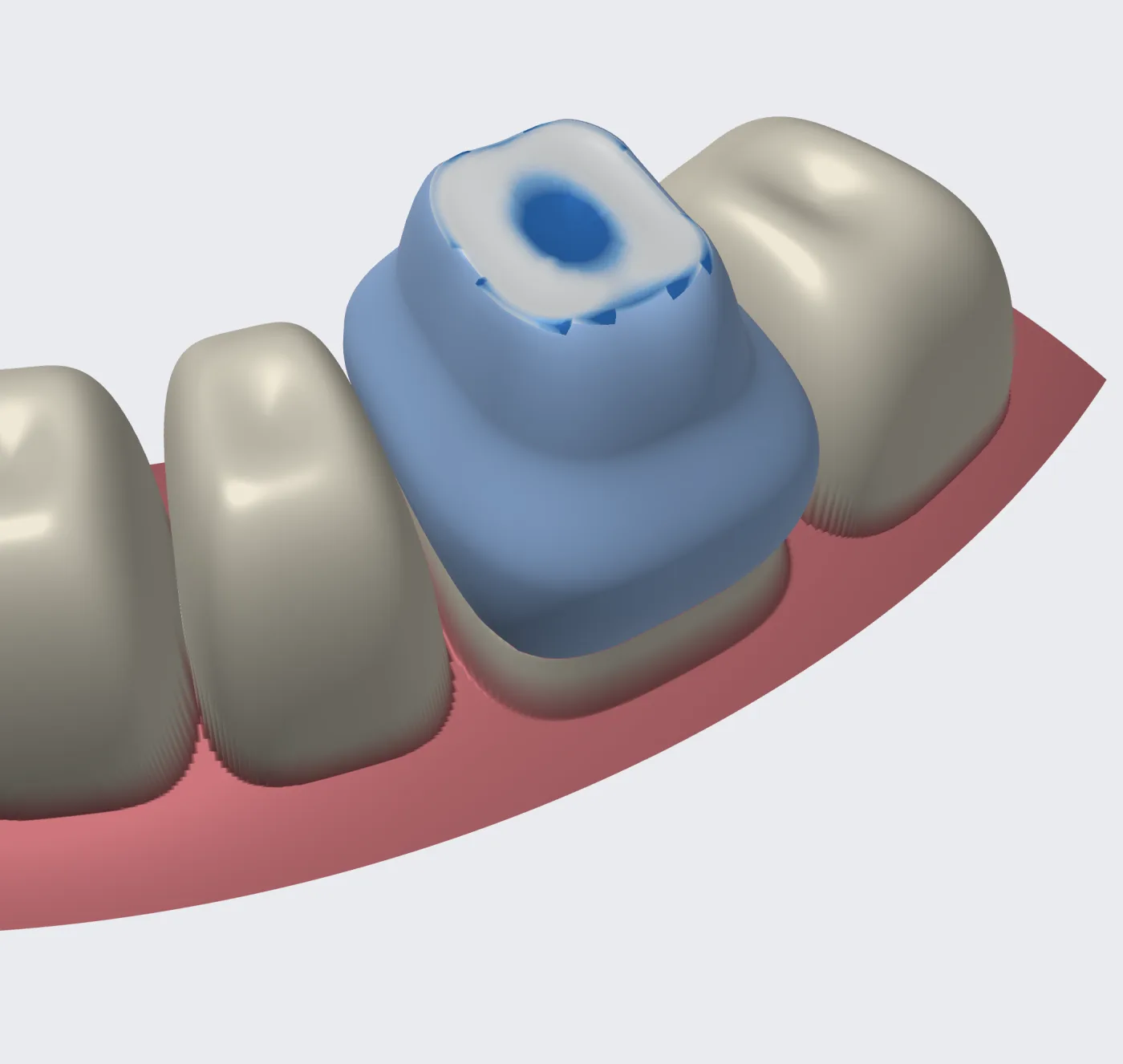
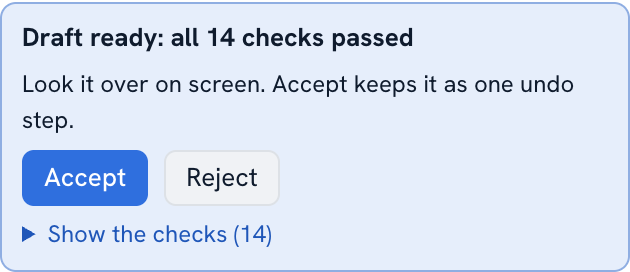
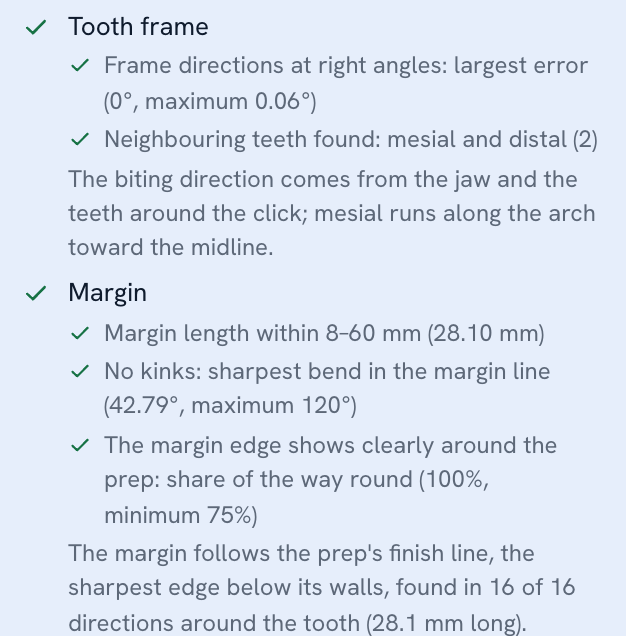
- Closed margin 28.1 mm
- Undercut at margin 0 points
- Minimum thickness 1.01 mm min 0.50
- Occlusal clearance 0.05 mm
- Self-intersections 0
The wizard you already know, in the browser.
Nine steps in the order desktop CAD taught you. Each step says what it needs and shows what it measured, Back and Next move between them, and nothing needs installing: open a tab, import the scans, design.

- Case setupTooth, material and prescription. Paste an Rx to fill it in.
- ScansUpper and lower jaw as STL or PLY, already in occlusion.
- Tooth frameOcclusal, mesial and buccal directions; neighbour contacts found for you.
- MarginLive-wire tracing that follows the margin ridge, or automatic.
- Insertion axisLeast undercut, with the undercut map and blockout.
- ParametersCement gap, spacer and thicknesses, preset per material.
- Crown proposalA library crown fitted to the margin, moved in clinical directions.
- AdaptTo the antagonist and both neighbours, with conflicts reported.
- FinalizeA validated binary STL and a construction-info JSON for CAM.
Judge the crown on numbers, not on looks.
Every proposal, from the AI or from your own edits, runs the same deterministic checks. A failed check stops the draft and says why, in plain terms: insufficient reduction, an open contact, a margin in undercut.
| Check | What it measures | Synthetic case 36 |
|---|---|---|
| Closed margin | The margin is one loop on the prep, and the prep region stops at it. | closed, 28.1 mm |
| No undercut at the margin | Every margin point can be reached along the insertion axis, so the crown seats. | 0 points |
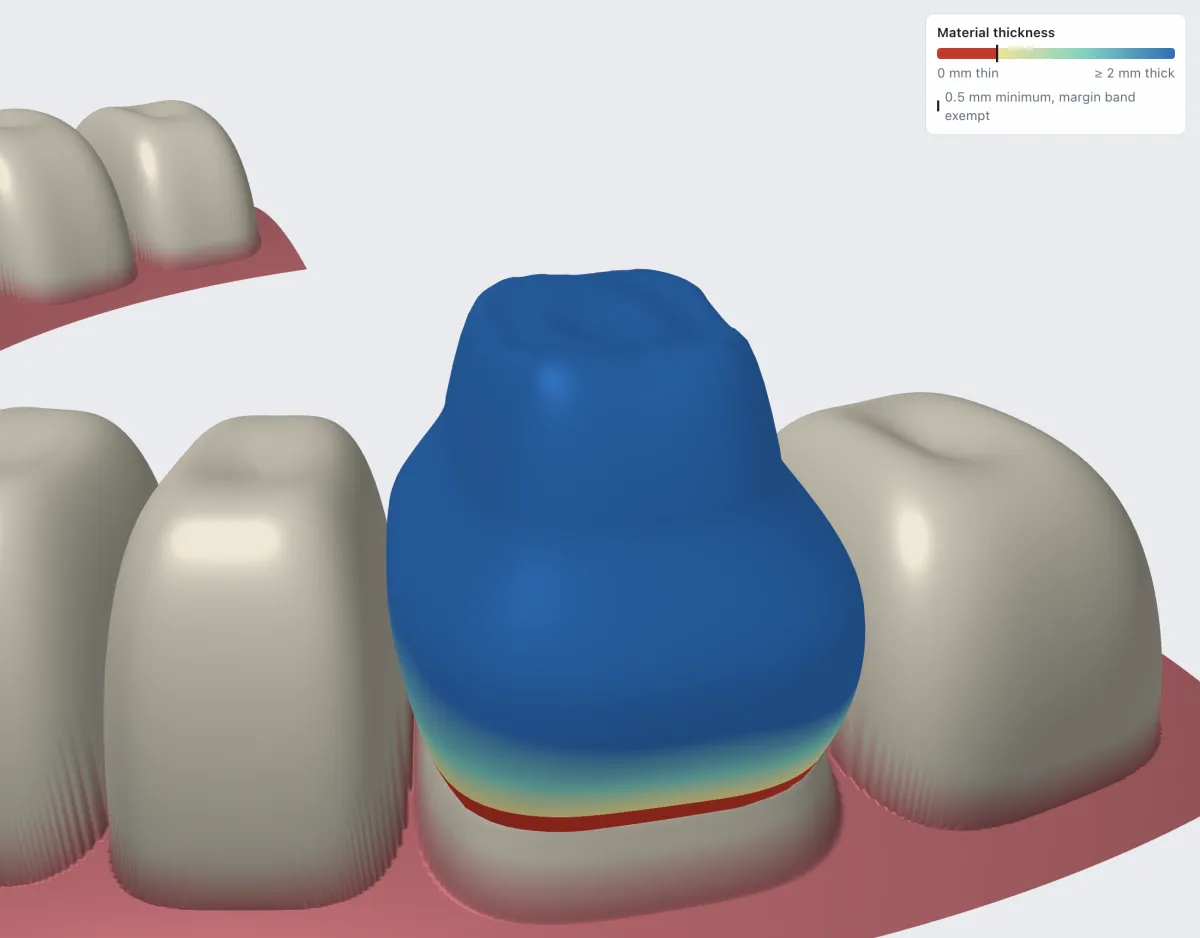
| Minimum thickness | Material stays above the minimum for the chosen material away from the margin. | 1.01 mm, min 0.50 |
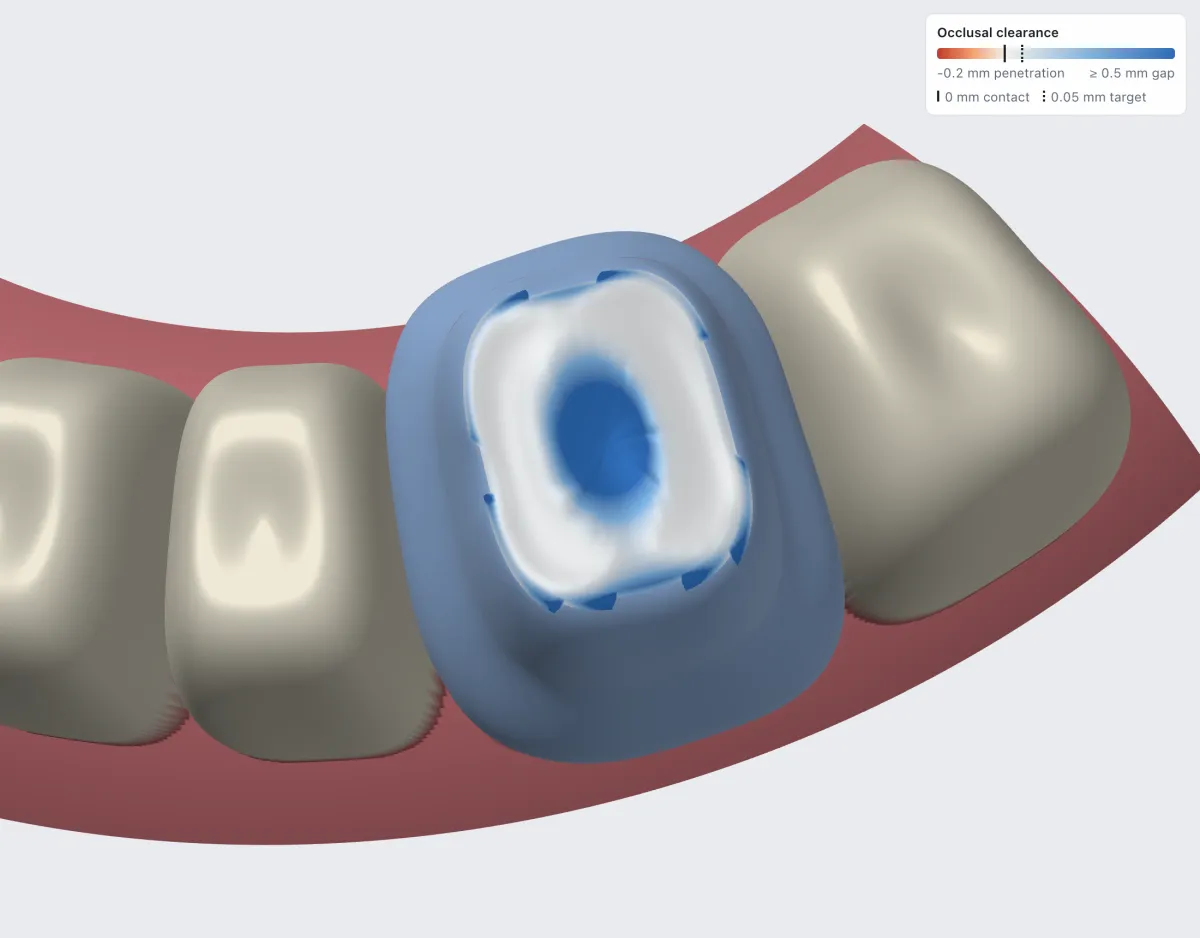
| Occlusal clearance | After adaptation, the gap to the antagonist reaches its target; contacts reach theirs. | 0.05 mm, target 0.05 |
| No self-intersection | The crown is a closed, consistently oriented solid that never crosses itself. | 0 triangle pairs |
AI proposes. You decide.
Click the prepared tooth once and auto-design proposes the tooth frame, margin, insertion axis, crown and adaptation, each one gated by its checks. The result is a draft: accept it, or reject it and nothing has changed.
The design assistant takes plain instructions such as move the crown 0.2 mm mesial
and applies them
through the same validated commands as the toolbar, as one draft with Accept and Revert. Undo always works.
Language models orchestrate and explain. They never produce the geometry: margins, axes and surfaces come from deterministic algorithms whose results you can measure.
What it does today, and what it doesn't.
Today
- Crowns on any tooth, and bridges with pontics, connectors and cantilevers.
- Inlays and onlays, Maryland wings, implant crowns on Ti-bases, and reduced frameworks for layering.
- Intraoral scans in STL or PLY: upper and lower jaw in occlusion, plus an optional pre-op scan.
- A binary STL plus a construction-info JSON for CAM, and a
.dcad.zipproject file. - Cases and design versions stored for your lab. Nothing to install.
- Prescription intake: paste the Rx and confirm the case it fills in.
Not yet
- No veneers, virtual articulator or automatic bite alignment.
- Not a medical device. Use synthetic or de-identified data only, never real patient data.
Design your first crown today.
Create a lab account, or try the demo and click the prep.